For iPhone and iPad
Record. Edit. Caption.
Teleprompter, multicam and timeline editor in one app. Record, edit and caption – right on your device.
Download on the App Store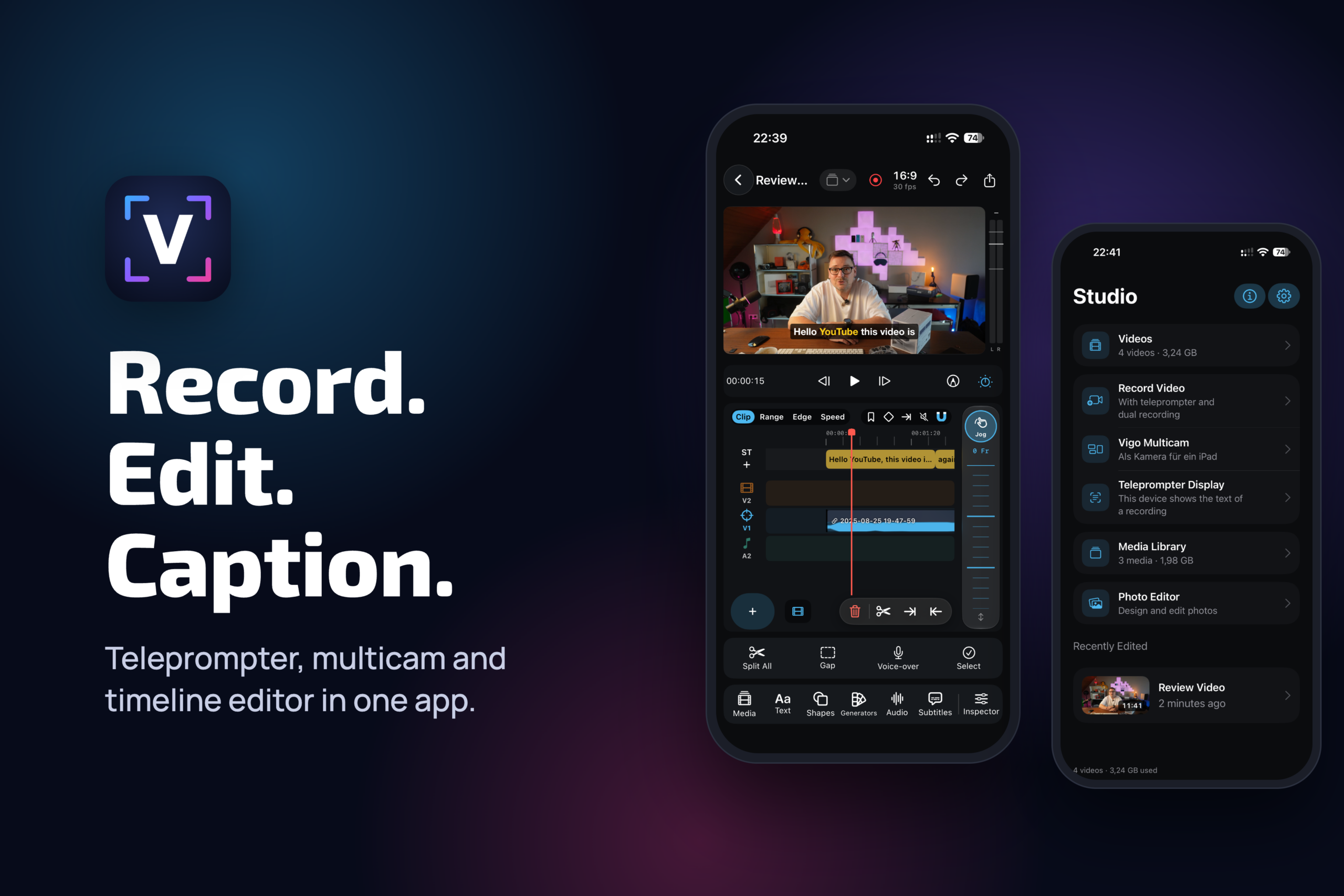
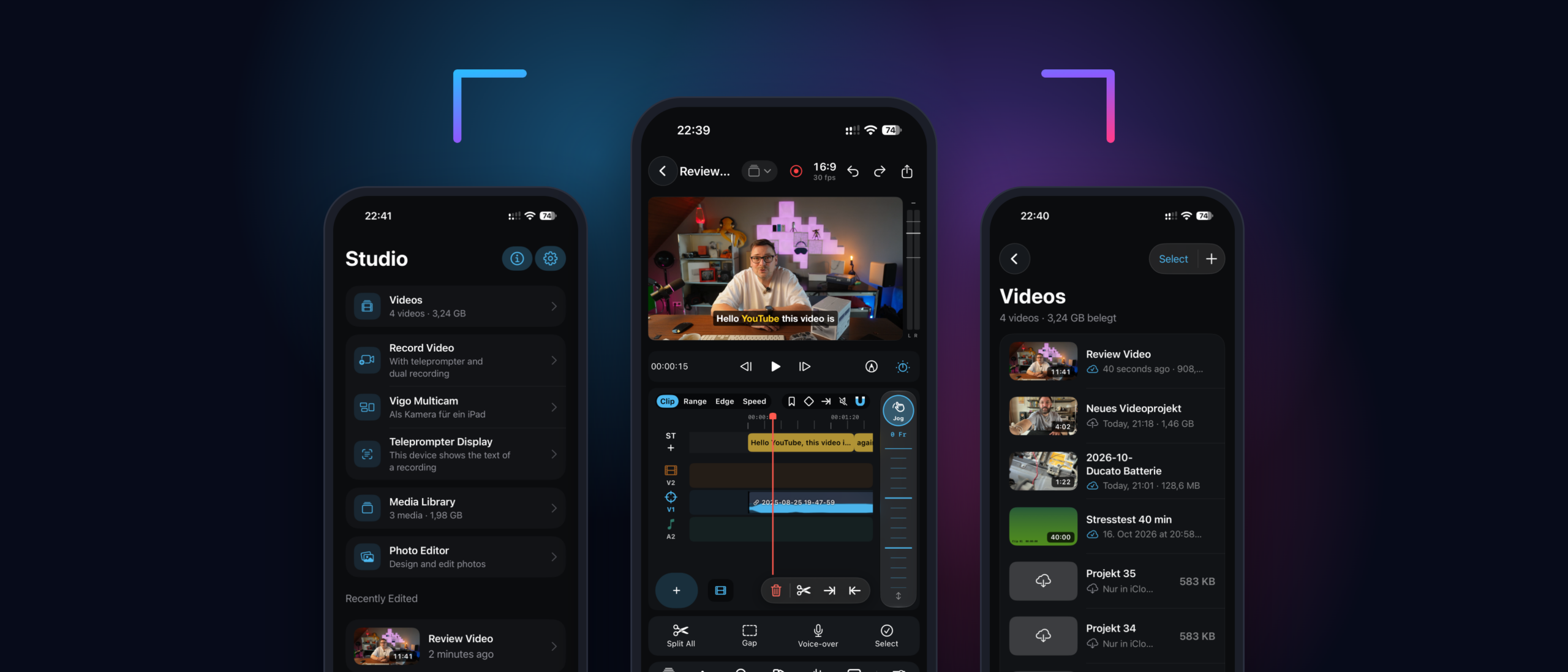
Everything for your video. In one app.
Teleprompter
Read your script while you record – even on a second device as a dedicated display.
Multicam
Use your iPhone as an additional camera for your iPad and record from multiple angles.
Timeline editor
Cut, trim, add voice-over and tracks – precisely with jog wheel and frame controls.
Captions
Create and style captions right in the timeline and burn them into your video.
Support
Got a question, found a bug or have an idea for Vigo Studio? We are happy to help and usually reply within 1–2 business days.
Email supportsupport@vigo-studio.app